How to Connect Gmail to Claude (Connector or MCP)
Two ways to connect Gmail to Claude: the built-in Gmail connector, or a custom MCP connector that also works in ChatGPT and Cursor. Step by step.
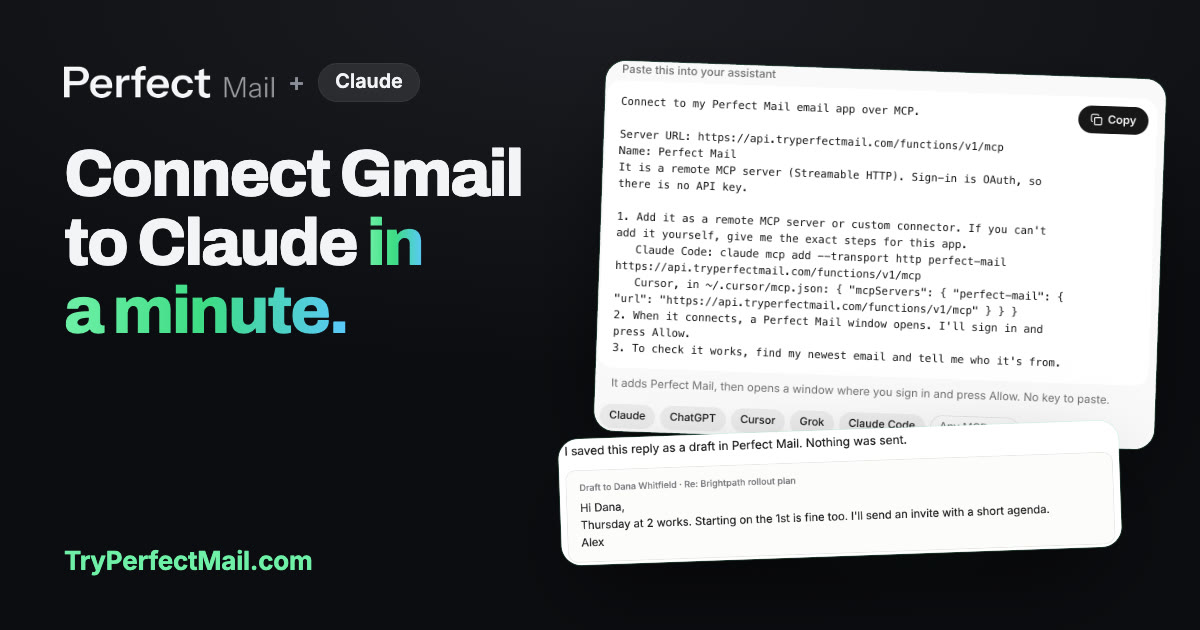
Short answer: To connect Gmail to Claude, open Claude's Settings, go to Connectors, find Gmail and press Connect, then sign in with Google. If you also want the same inbox in ChatGPT or Cursor, every account in one place, or your business texts and calls next to your email, add Perfect Mail's MCP server as a custom connector instead.
Once Gmail is connected, Claude can search your mail, sum up long threads and draft replies. It's one of the most useful things you can do with Claude. Here are both ways to set it up, what each is good for, and what to ask once it works.
Way 1: Claude's built-in Gmail connector
Claude has its own Gmail connector, made by Anthropic.
- Open Claude on the web or in the desktop app.
- Open Settings (or Customize), then Connectors.
- Find Gmail and press Connect.
- Sign in with your Google account and allow the permissions.
- In a chat, press + by the message box and make sure Gmail is turned on under Connectors.
On Team and Enterprise plans, an owner has to turn on Google Workspace connectors for the organization first. A Google Workspace admin may also need to approve Claude as a trusted app.
What it's good at: it's built in, and Claude asks you before it sends, replies or forwards anything.
Where it stops: it works in Claude only. For years it held one Google account at a time; more than one account is rolling out now, so check your Connectors page. Claude's help page says it sees attachments' details but not what's in them.
Way 2: Perfect Mail's MCP server, as a custom connector
MCP, the Model Context Protocol, lets Claude use tools from other apps. Perfect Mail runs a hosted MCP server, so Claude can work on the mail in your Perfect Mail account, and so can ChatGPT, Cursor or any other assistant you use.
- Add your Gmail account to Perfect Mail, if it isn't there yet.
- In Claude, open Settings, then Connectors, then Add custom connector.
- Name it Perfect Mail and paste
https://api.tryperfectmail.com/functions/v1/mcp. - Press Connect. A Perfect Mail window opens. Sign in and press Allow.
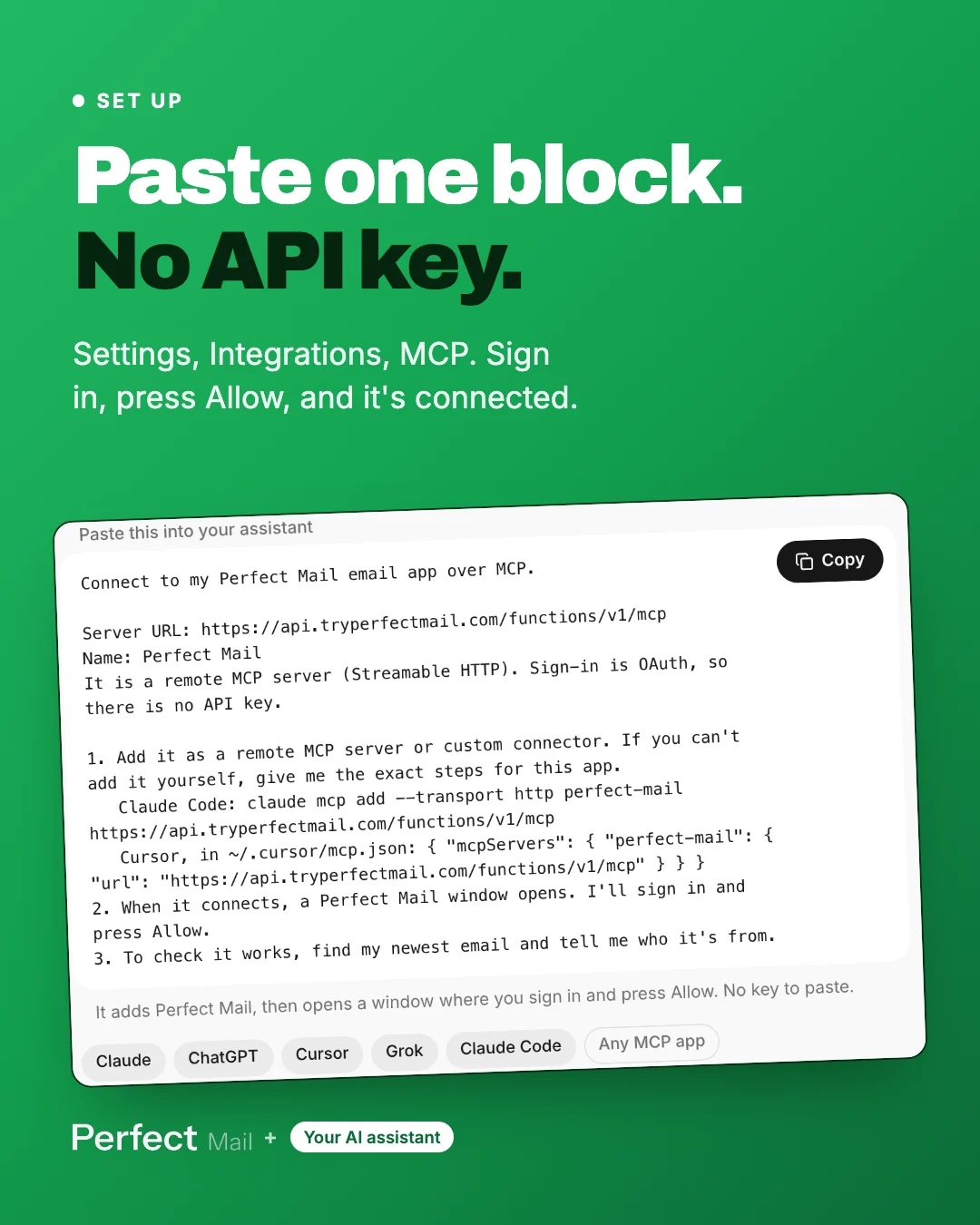
Or skip the typing: in Perfect Mail, go to Settings, then Integrations, then MCP, copy the setup block, and paste it into Claude. It tells Claude what to do.
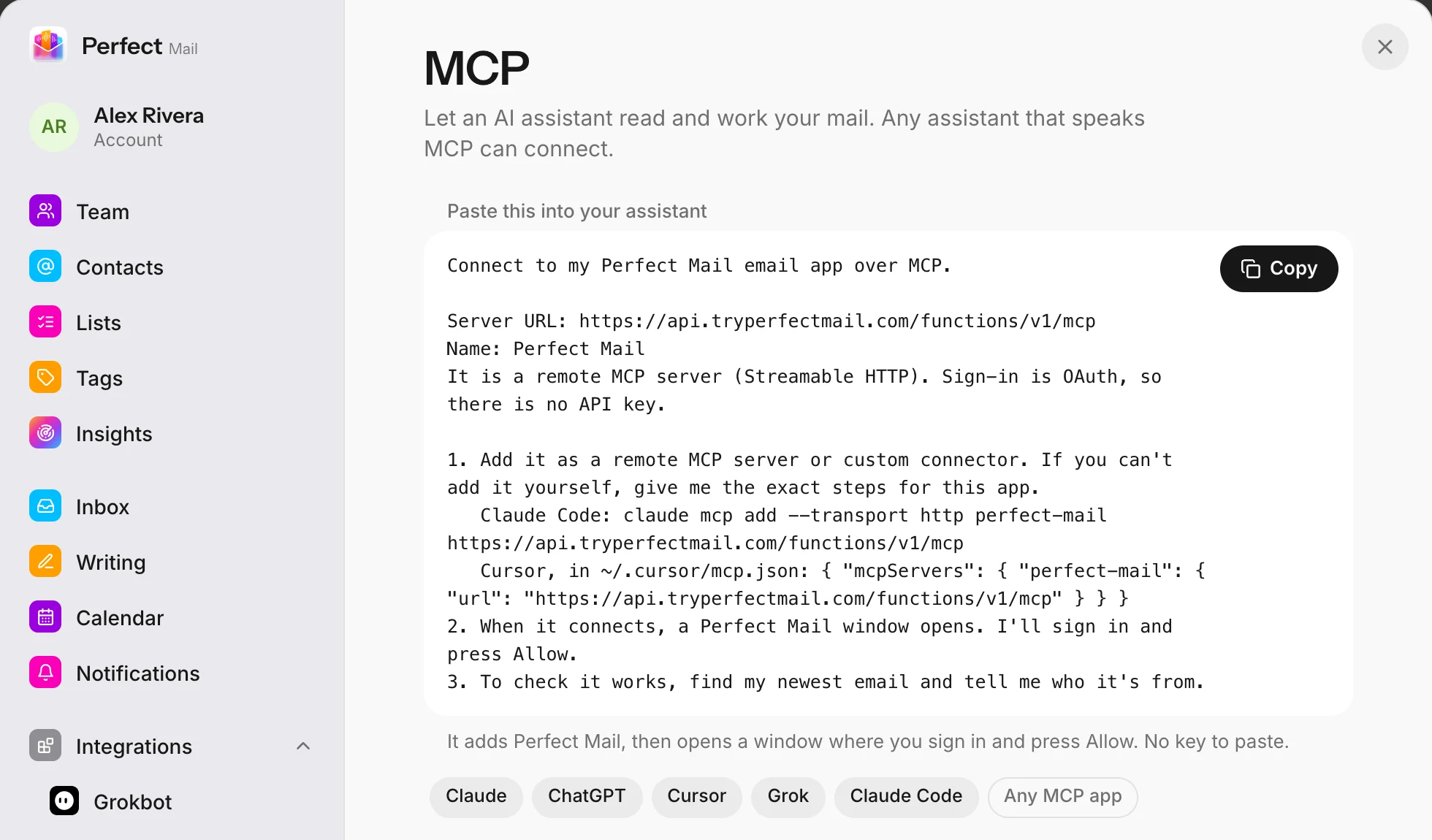
What it adds:
- Every account. Claude sees every email account you've added to Perfect Mail, and can search one or all of them.
- Files. It can open the files on a thread, not only their names.
- Texts and calls. If you connected Quo, Claude also reads your business texts, calls, voicemails and call summaries. It can't send texts.
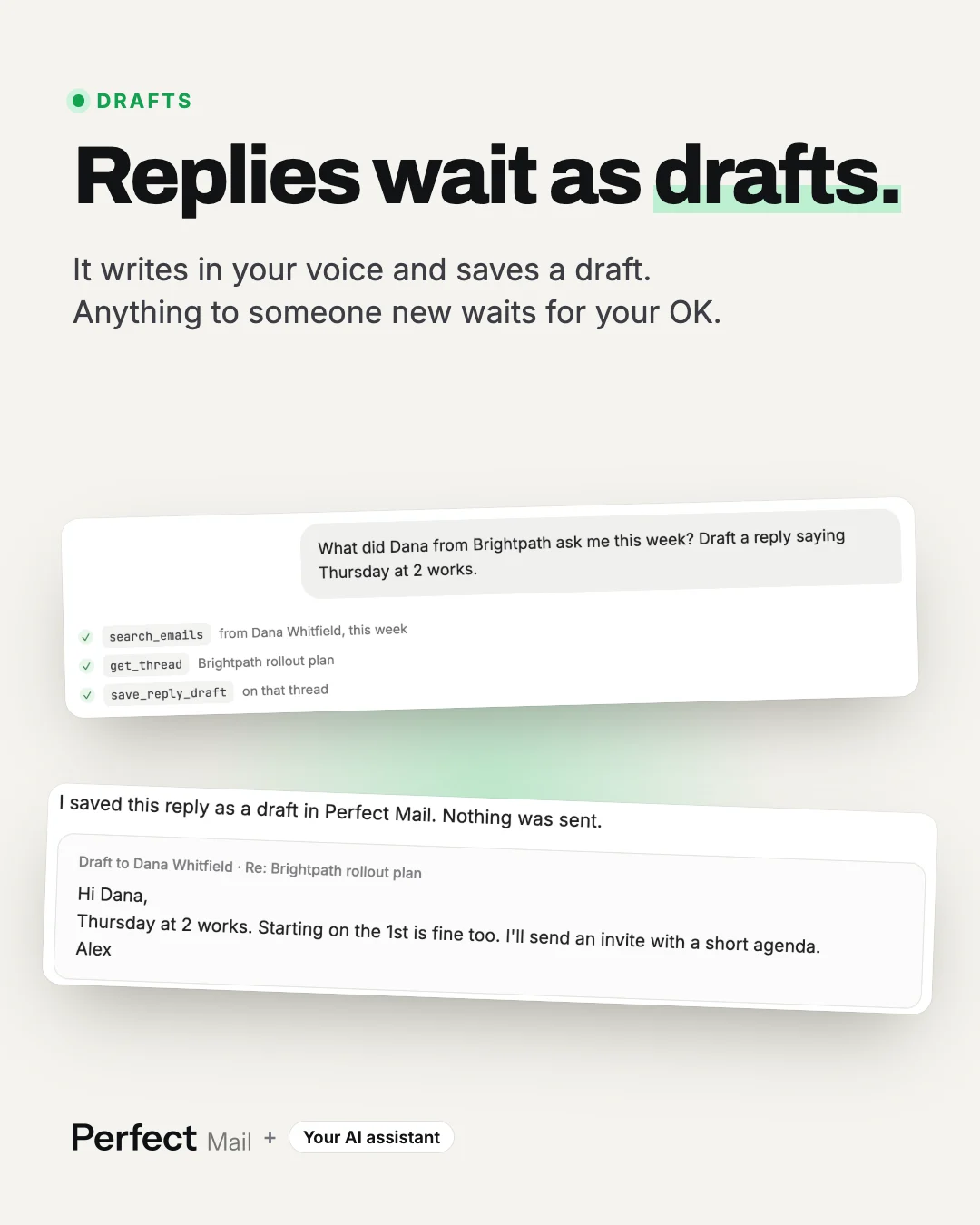
- Drafts first. Replies are saved as drafts on the thread. If you let it send, replies to people already on the thread go out, and anything to someone new waits in your Triage for your OK.
- The same inbox everywhere. Add the same server to ChatGPT, Cursor or Grok and they all work on one mailbox.
The full list is on the Perfect Mail MCP page.
If you don't see Add custom connector, your plan or your organization's settings may not allow custom connectors yet.
How to connect Gmail to Claude Code
Claude Code adds remote MCP servers from the terminal. Run:
claude mcp add --transport http perfect-mail https://api.tryperfectmail.com/functions/v1/mcp
Then start Claude Code, run /mcp, pick perfect-mail and sign in. Now you can ask it to "find the bug report Priya sent last week" while you work on the fix.
What to ask Claude once Gmail is connected
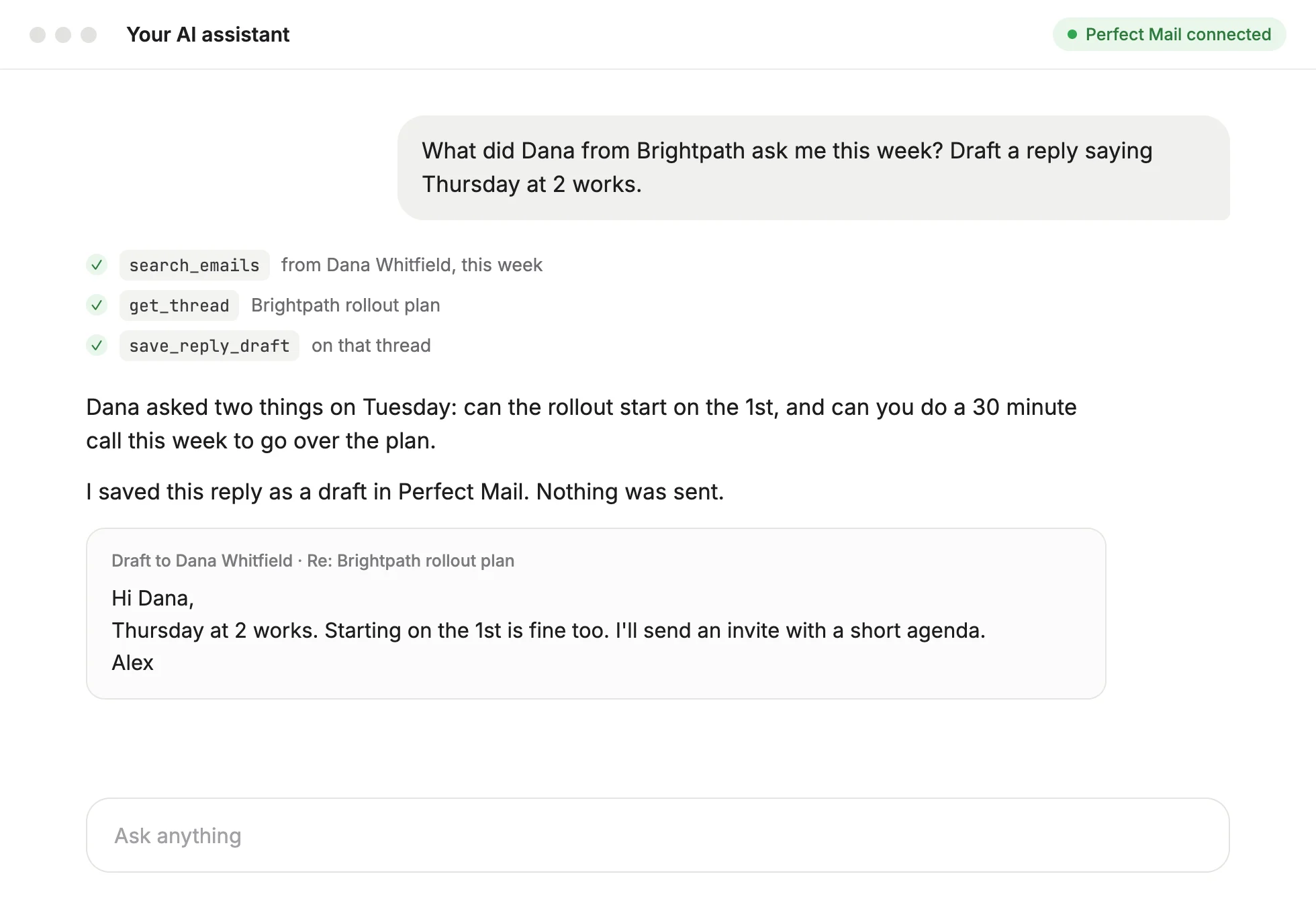
- "What did Dana from Brightpath ask me this week? Draft a reply saying Thursday at 2 works."
- "Which emails from the last three days still need an answer from me?"
- "Find the signed contract from the restaurant supplier and tell me the renewal date."
- "Archive every newsletter from yesterday."
- "Turn the to-dos in Alex's last email into my to-do list."
- "What did Alex agree to on our call on Monday?" (with Quo connected)
Which way should you pick?
- Use Claude's Gmail connector if you only use Claude and Gmail, and you want the simplest start.
- Use Perfect Mail's MCP server if you use more than one assistant, have more than one account, want Claude to open files and read texts and calls, or want anything new held for your approval.
Comparing more options? See our guide to Gmail MCP servers.
Why isn't the Claude Gmail connector working?
Most of the time it's one of these:
- It's turned off in the chat. Press + by the message box and turn Gmail on under Connectors.
- Your organization hasn't allowed it. On Team and Enterprise, an owner has to turn on Google Workspace connectors first.
- Google blocked it. A Google Workspace admin may need to mark Claude as a trusted app.
- The sign-in expired. Disconnect and connect again in Settings, Connectors.
With a custom connector, the same fix often works: reconnect it, and some apps need a restart before a new server shows up.
Frequently asked questions
Can Claude connect to Gmail and send emails?
Yes. Claude's Gmail connector can send, reply and forward, and asks for your approval first by default. With Perfect Mail's MCP server, Claude saves drafts until you let it send, and anything to someone new waits in your Triage.
Can you connect multiple Gmail accounts to Claude?
Claude's Gmail connector held one Google account at a time, and more than one account is rolling out now. With Perfect Mail's MCP server, Claude sees every account you've added to Perfect Mail, in Claude and in any other assistant.
How do I connect Gmail to Claude Code?
Run claude mcp add --transport http perfect-mail https://api.tryperfectmail.com/functions/v1/mcp, then /mcp in Claude Code to sign in.
Can Claude organize my Gmail?
Yes, through a connector that has the tools for it. Perfect Mail's MCP server lets Claude archive, snooze, mark as read, tag and sort by sender, in bulk.
Is it a good idea to connect Claude to Gmail?
For most people, yes: finding things and drafting replies get much faster. Connect only accounts you're comfortable with, and keep sending behind your approval. Perfect Mail treats what's in an email as information, never as an instruction, and only you decide what Claude does.
Do I need an API key?
No, for either way. Both sign in with OAuth.
Your email, in Claude and everywhere else
Connect once, and Claude works on your whole inbox. Connect Claude to Perfect Mail. New to Perfect Mail? Download it for Mac and iPhone.