
What's New in Perfect Mail This Week!
Here is what you can do now that you couldn't last week.
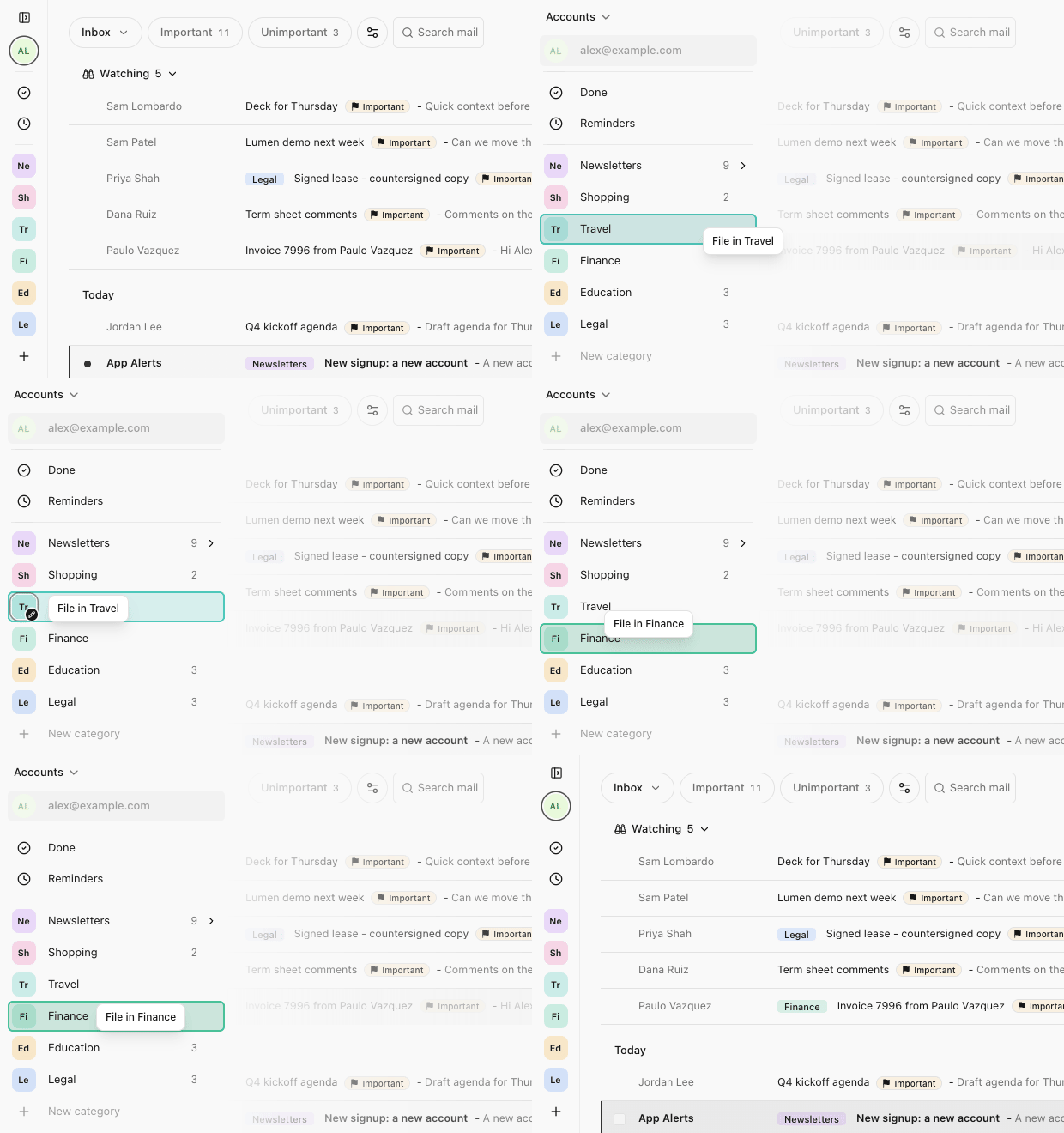
Drag an email into place
On a computer, the Emails page has a sidebar with your accounts and categories. Drag any email onto a category to file it there, and pin the sidebar open if you like.
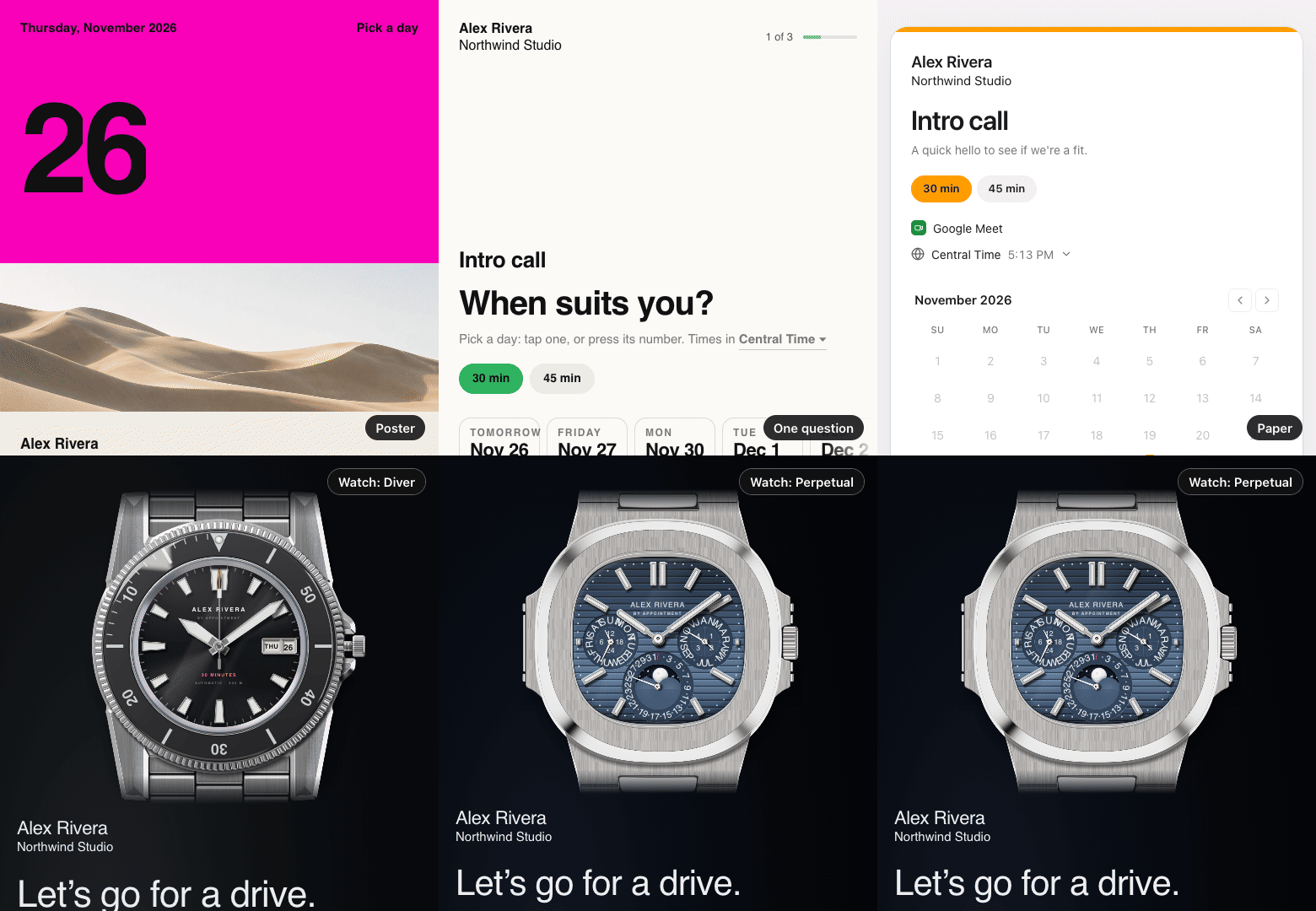
Booking Pages, in the design you like
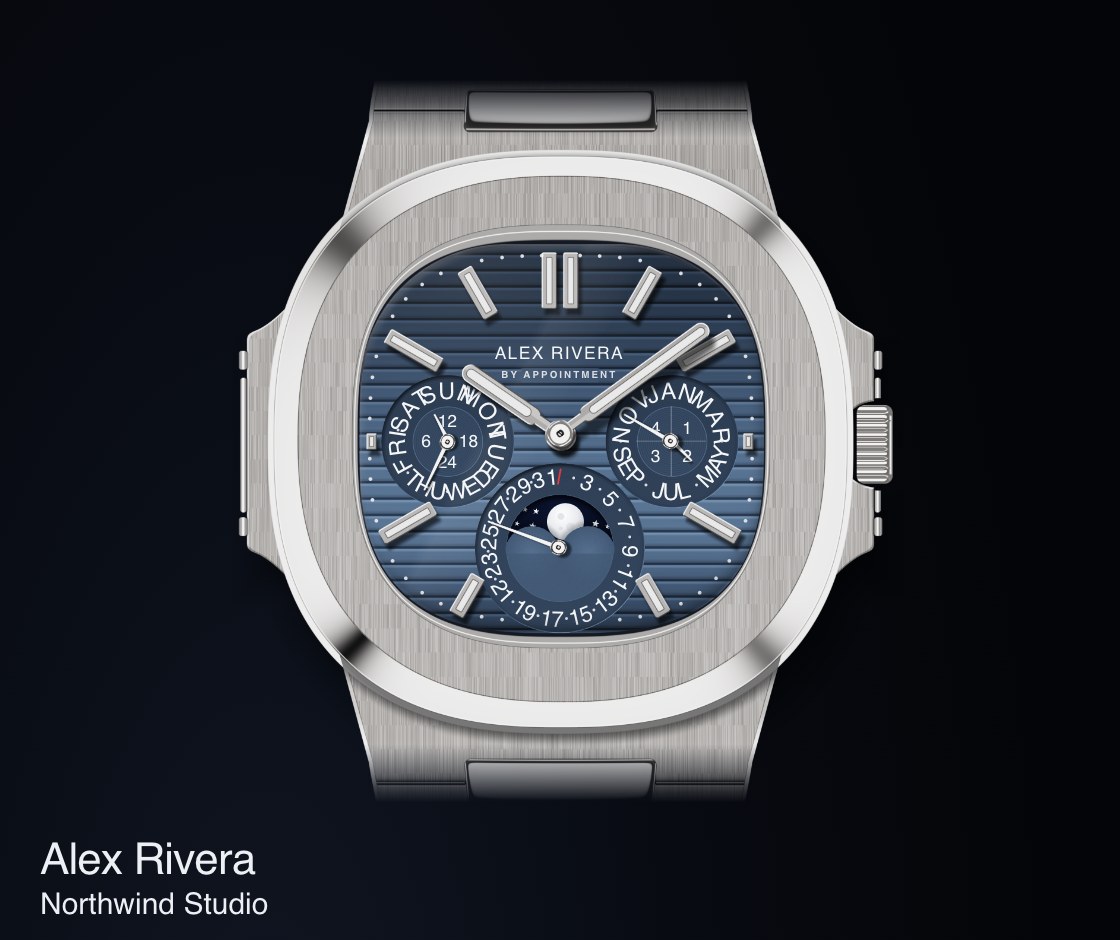
Booking Pages is our own take on booking links like Calendly and Cal.com. Pick one of eight designs, from simple and classic to a watch, set limits and reminders, and see everyone who booked in one list.
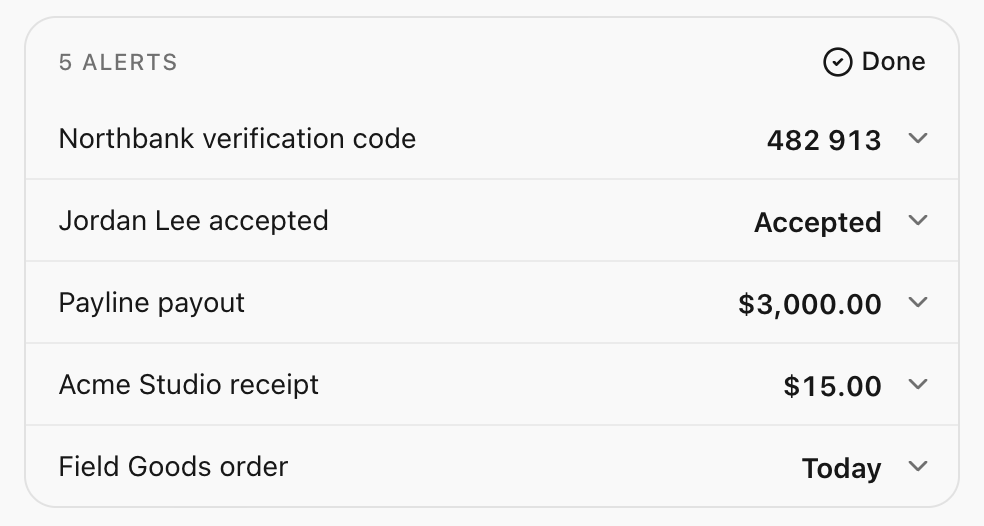
Triage alerts in one stack
Codes, receipts, payouts, deliveries and calendar replies now sit in one quiet stack above your mail, and one Done clears them all.
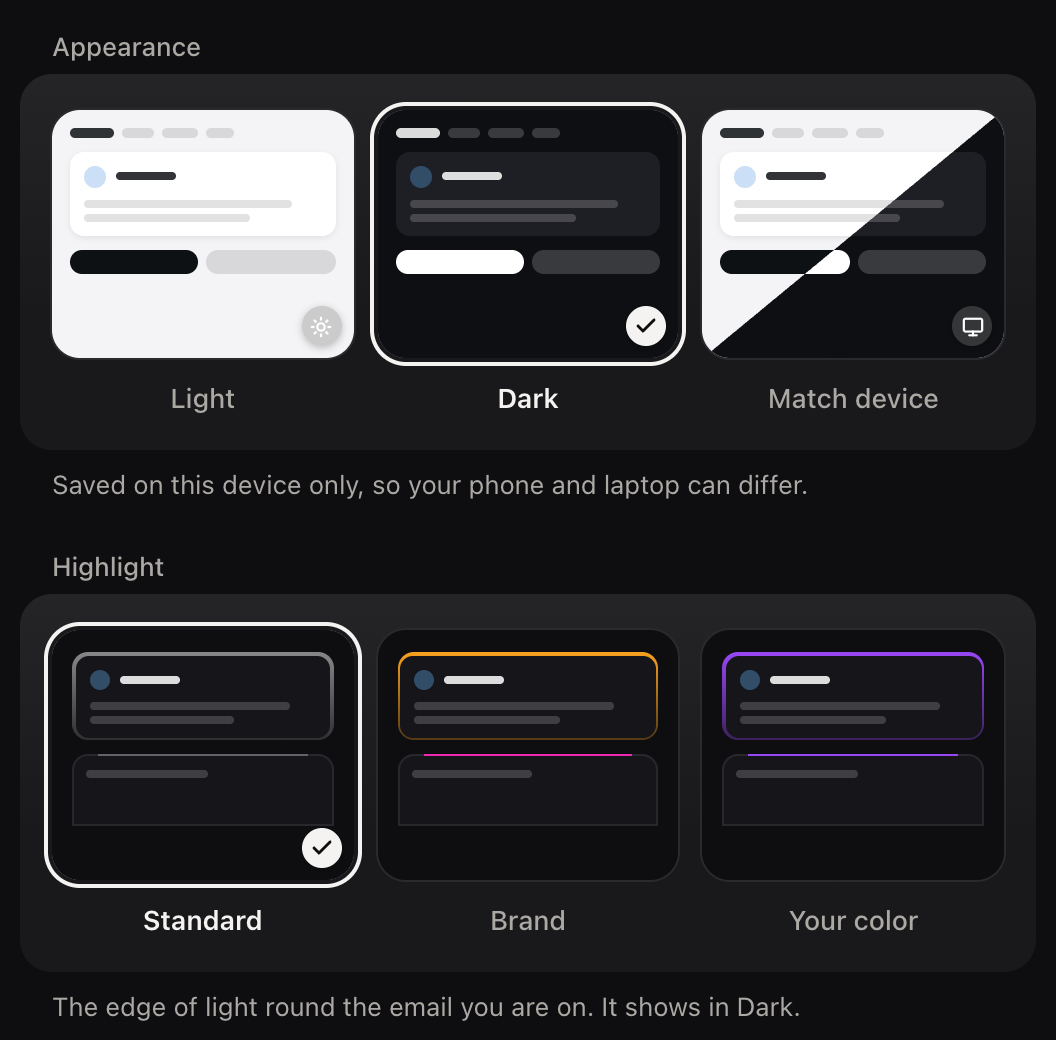
A new dark mode
Dark mode is a softer black, and you pick the Highlight color that lights the email you are on.

Move your tabs around
Pull a tab in the top bar to put it where you want it, and your order follows you to every device.
Anything you want added, anything that's not perfect, please let me know. Just email me at weare@useperfect.com and I'll get it done.
Sincerely,
Nathan Ruff