
Roam Email Integration: Meeting Follow-ups and Send to Roam
When a Roam meeting with outside guests ends, your follow-up email is already written. Send any email to a Roam chat in one click. Connect in a minute.
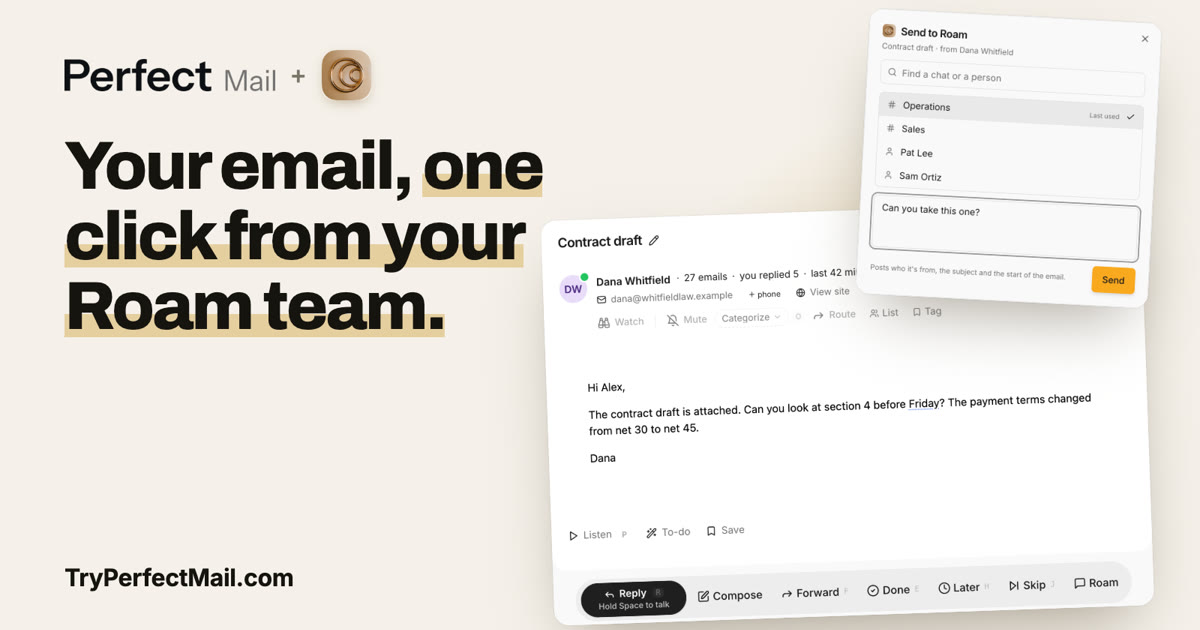
Short answer: Roam doesn't connect to your email on its own. Connect Roam to Perfect Mail and two things happen. When a Roam meeting with people outside your company ends, a follow-up email is already written in your inbox, ready to send. And any email can go to a Roam chat in one click, with a note.
Roam, the virtual office at ro.am, puts your whole company on one live map. Quick questions stay quick. But the work that comes out of meetings, and the emails your team needs to see, still live in your inbox. Perfect Mail's Roam integration joins the two.
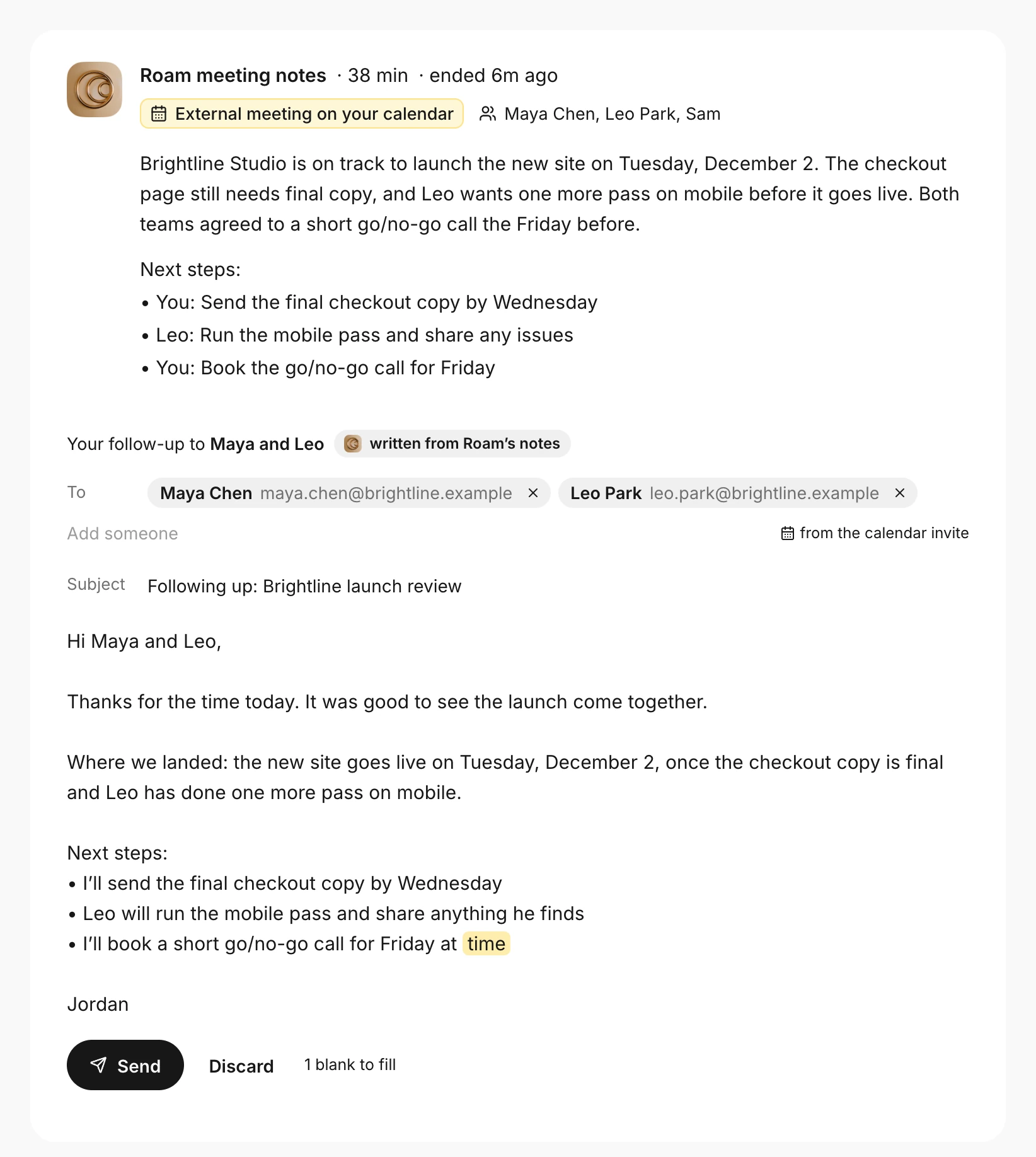
Your Roam meeting ends. Your follow-up is already written.
This is the part people notice first.
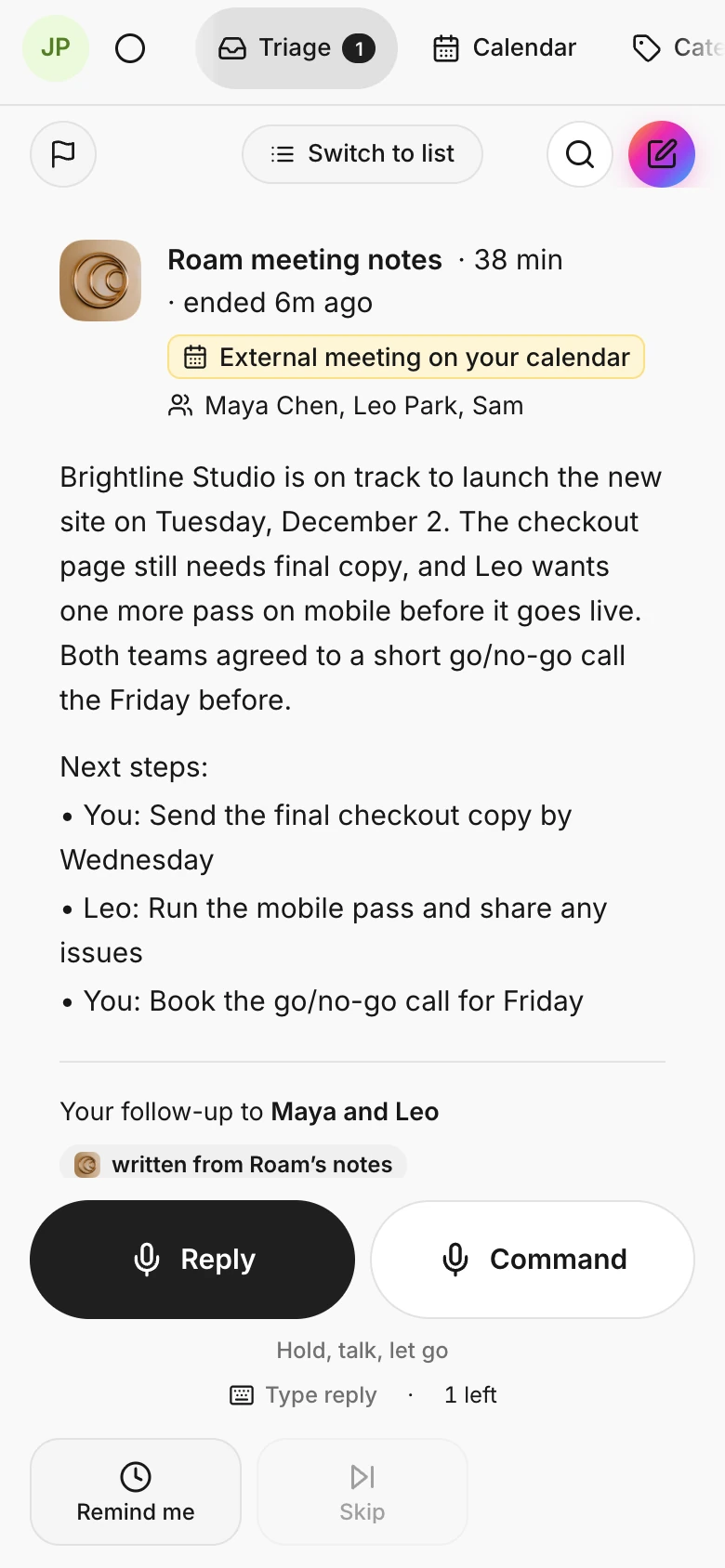
When a Roam meeting with people outside your company ends, Roam's Magic Minutes land in Triage with a draft of your follow-up email right under them. It's addressed to your outside guests and written in your style from what was actually said. Read it, fill in anything it left blank, press Send.
- The meeting ends. A Roam meeting on your calendar, with guests from outside your company, wraps up. Drop-ins and quick calls under five minutes are left alone.
- Magic Minutes arrive. Roam's summary and next steps show up in Triage, with who was there and an External meeting tag, so you know exactly which call it was.
- The draft is waiting. Your follow-up is written underneath, to the outside guests from the invite. Change who it goes to, the subject or the words, then Send or Discard.
Nothing ever sends on its own. The draft is written only from Roam's summary and next steps, never the recording or the transcript, and anything the notes don't say is left as a blank for you to fill.
From "thanks everyone" to sent, in one press.
Can you send an email to a Roam chat?
Roam doesn't give chats an email address. Until now the options were:
- Copy and paste the email into a Roam chat by hand.
- An automation recipe (Zapier and similar) that posts every new Gmail email into a Roam group. It's all or nothing, and it floods the chat.
- An AI assistant told to share things for you, which Roam itself marks as not native.
If you've ever forwarded an email into a Slack channel or a Teams chat, Perfect Mail's Send to Roam is the same idea, built for Roam, and you choose each email.
Send any email to a Roam chat in one click
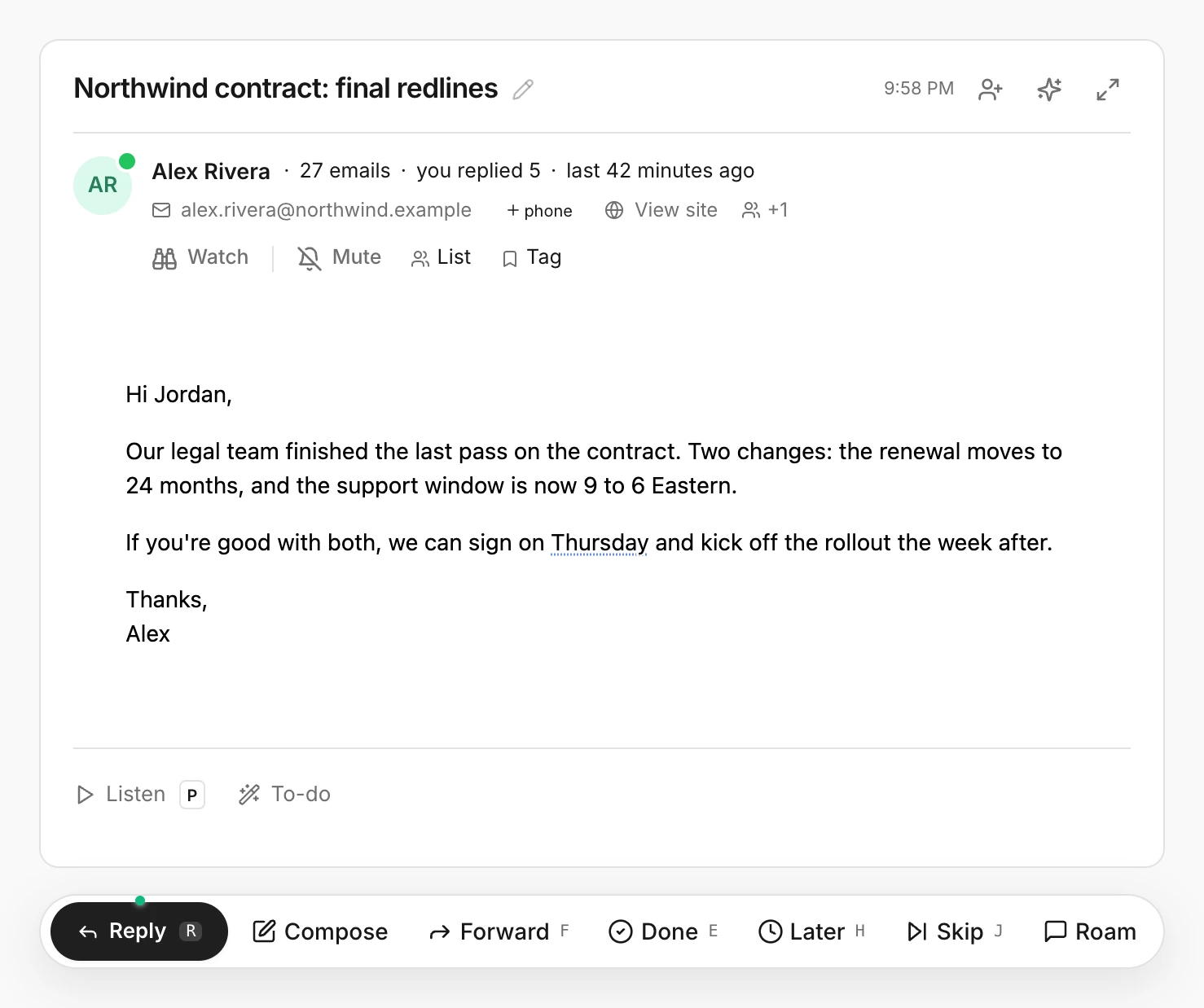
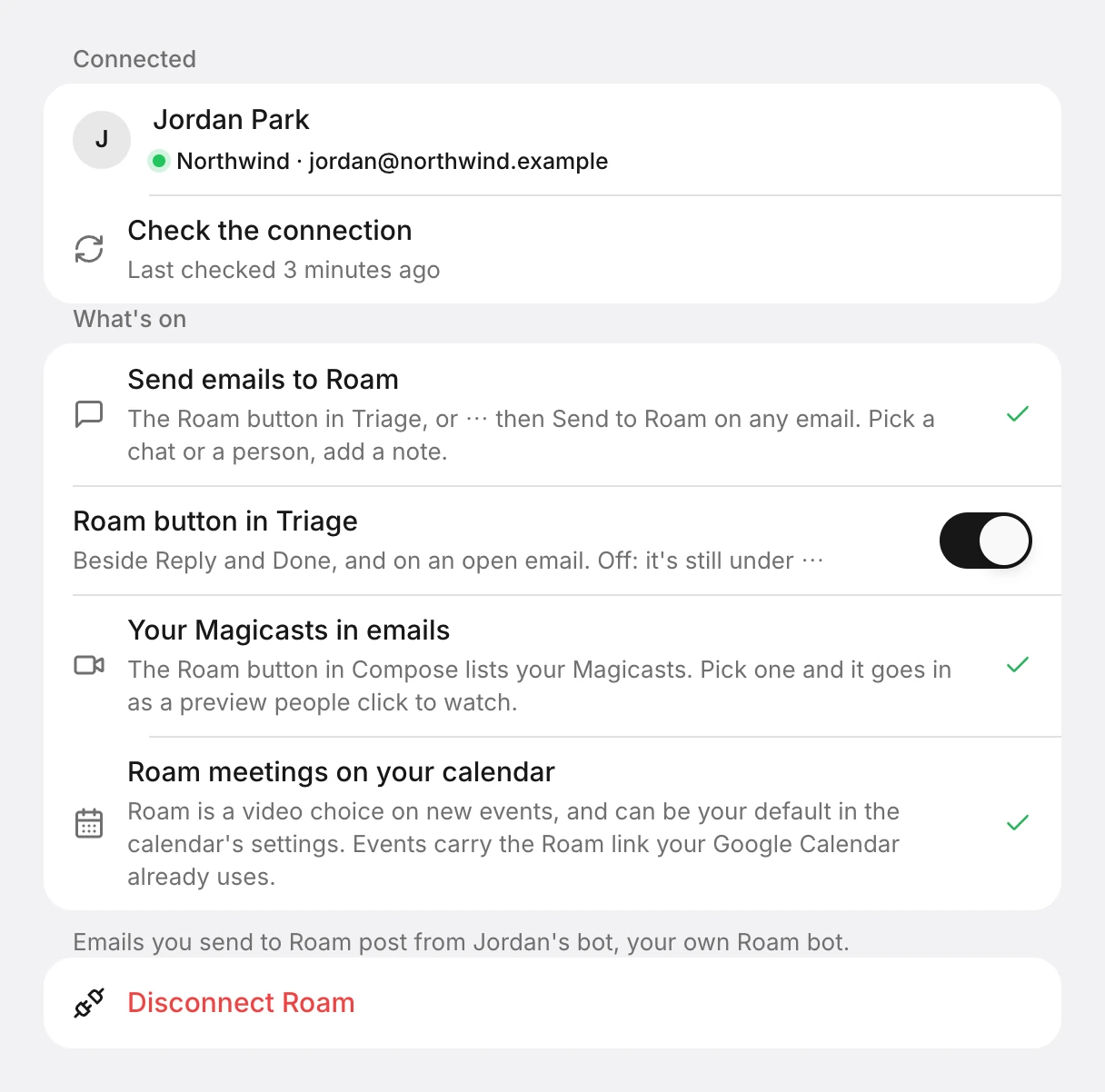
Press Roam on any email, in Triage or wherever you're reading it. Pick a chat or a person (the last one you used is already picked), add a note if you want, and press Enter. It lands in Roam with who it's from, the subject and the start of the email.
- Every chat and person you have in Roam, newest first, to search by typing.
- Posted from your own Roam bot, so your team sees it came from you.
- A Roam button on the Triage rail, which you can turn off in Settings.
Put a Magicast in any email
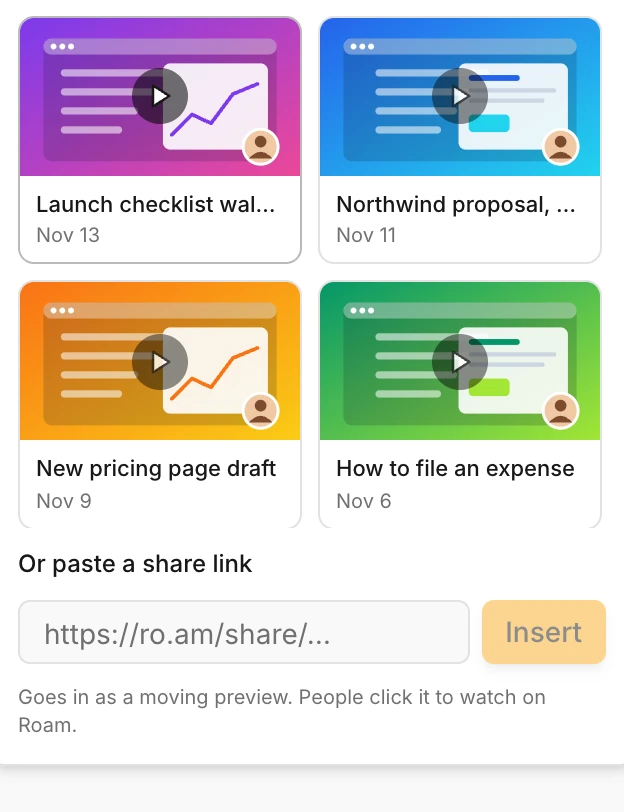
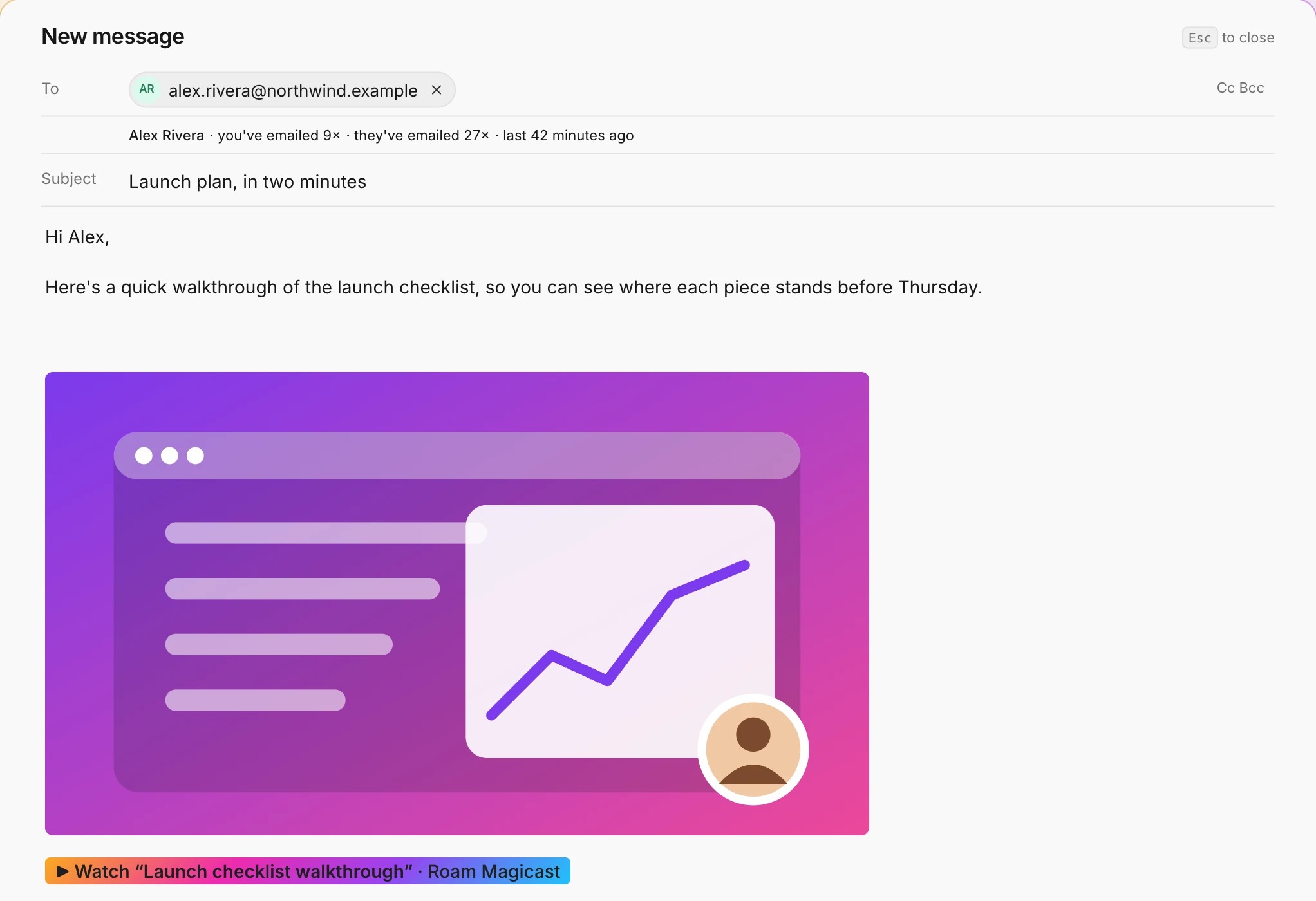
Show it instead of typing it. The Roam button in Compose opens your newest Magicasts. Pick one and it goes into your email as a moving preview with a Watch link, so the person you're writing to sees it the moment they open your email. They don't need Roam. Got a share link from someone else? Paste it.
Meet in your Roam room
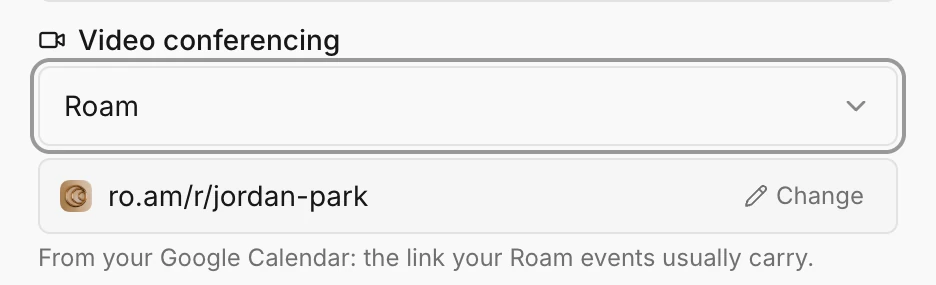
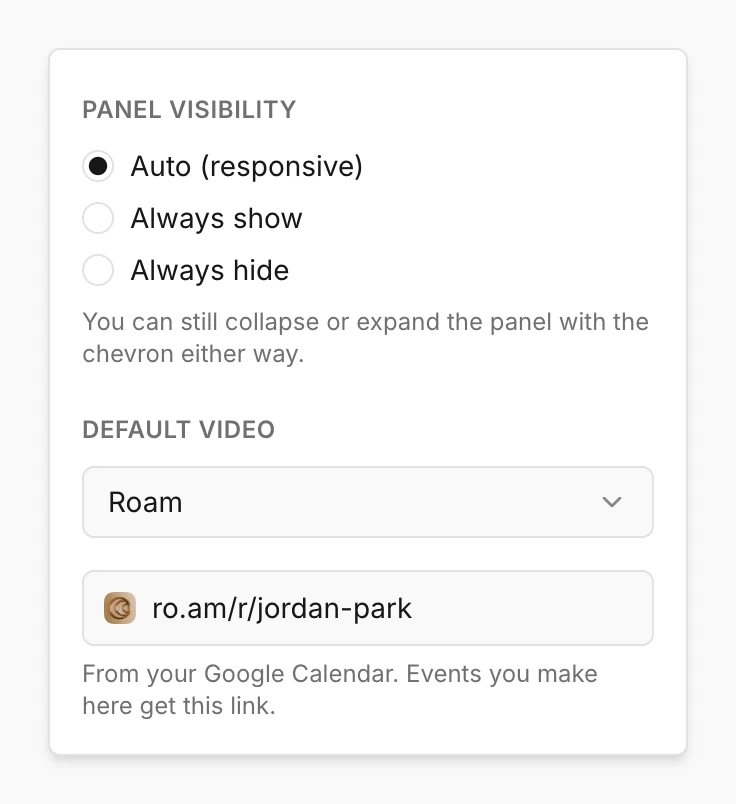
Roam is a video choice on every meeting you set up in Perfect Mail, next to Google Meet and Zoom. Make it your default and every new invite carries your Roam link. Perfect Mail finds your link in the Roam meetings already on your calendar, or you paste it once.
How to connect Roam to Perfect Mail
Paste a Roam token and you're set.
- In Roam, open Settings, then User Settings, then Developer, and make a Personal Access Token named Perfect Mail.
- Tick Chat: read, Chat: write, Magicast: read, Magicast: share link and Meetings: read, and copy the token.
- In Perfect Mail, open Settings, then Integrations, then Roam, paste it and press Connect.
- Turn on Follow-up emails after external meetings.
No Developer section in Roam? A Roam admin turns it on under Administration, then Developer.
Your token and your data
- Your token stays on our servers, is never shown again in the app, and is used only for the calls listed on the Roam integration page.
- Perfect Mail reads nothing from your Roam chats. It lists them so you can pick one, and posts only what you send.
- For a follow-up it reads the meeting's summary and next steps, never the recording or transcript.
- Disconnect in Settings, then Integrations, then Roam. The token is revoked in Roam and deleted here. What you already sent stays in Roam.
Limitations
- Send to Roam posts the start of the newest message, not the whole thread or its attachments.
- It posts from your own Roam bot, not under your name.
- Meetings use your existing Roam link. Perfect Mail can't make a new Roam room or record a Magicast.
- Ultra mail stays in Perfect Mail and can't be sent to Roam.
- Follow-ups are made for Roam meetings on your calendar with someone from outside your company, five minutes or longer.
Frequently asked questions
What is Roam?
Roam (ro.am) is a virtual office for remote teams. Everyone shows up on one live map, you knock on someone's door to talk, and it has chat, meetings, Magic Minutes meeting notes and Magicast screen recordings. It's a different product from Roam Research, the notes app.
Can Roam write my meeting follow-up email?
With Perfect Mail, yes. When a Roam meeting with outside guests ends, Perfect Mail writes the follow-up from Roam's summary and next steps, in your style, addressed to your guests. You read it and press Send.
Does the follow-up email send by itself?
No. Nothing ever sends on its own. The draft waits in Triage until you send or discard it, and anything the meeting notes don't say is left blank for you.
Does Perfect Mail read my Roam recordings or transcripts?
No. Follow-ups are written only from the meeting's summary and next steps. Perfect Mail never reads recordings or transcripts, and it reads nothing from your chats.
How do I forward an email to a Roam chat?
Press the Roam button on the email in Perfect Mail, pick the chat or person, add a note if you like, and press Enter. It posts the sender, subject and start of the email, without the quoted history.
Is this like forwarding an email to a Slack channel?
Yes, the same idea for Roam, but you pick each email and add a note, and nothing posts automatically.
Does Roam integrate with Gmail?
Roam doesn't have its own Gmail integration. Perfect Mail works with Gmail and Outlook accounts, so connecting Roam to Perfect Mail joins Roam to your Gmail or Outlook email.
Can I send a Magicast by email?
Yes. In Compose, press the Roam button, pick a Magicast, and it goes in as a preview people click to watch. They don't need Roam to view it.
Can Roam be my default meeting link?
Yes. Make Roam your default video in Perfect Mail and every new invite carries your Roam link.
Your email and your Roam office, working together
Less copying, more getting it to the team. Connect Roam to Perfect Mail. Using Quo for your business line? Get your texts and calls next to your email too. New to Perfect Mail? Download it for Mac and iPhone.